
Revit Architecture
About Course
About this course
The application uses of Revit Architecture Software
Description
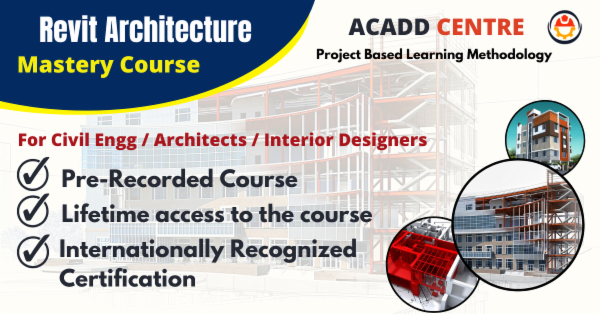
This course is designed for easy learning of Revit Architecture Software for Civil / Architecture / Interior Design Students/Professionals who are interested in Building Drawing and Design.
What you’ll learn in this course?
Concepts of Building Drawing & Design, Revit Architecture Software, and its application, How to use Revit Architecture Software for the Building Drawing and Design, Creating and Defining Building projects, Creating Walls, Doors, and Windows, Applying material properties, Creating stairs, railings. Site Components, Camera View & Rendering, Creating reports, etc,.
Course Content
Chapter: 01-What is Revit-History-System requirements-Download & install of Revit 2021
-
What is Revit Software & Its uses?
00:00 -
History of Revit Software
00:00
Chapter-02: User Interface of Revit
Chapter-03: Walls in Revit
Chapter-04: Doors in Revit
Chapter-05: Windows in Revit
Chapter-06: Creating & Editing Floors
Chapter-08: Creating and Editing the Roof in Revit
Chapter-09: Understanding Components in Revit
Chapter-11: Understanding Modifying Tools in Revit
Chapter-12: Understanding Dimensions in Revit
Chapter-13: Detail Line-Region-Cloud- Groups-Text in Revit
Chapter-14: Areas & Color Fill Legend in Revit
Chapter-15: Types of Openings in Revit
Chapter: 16-Railings – Ramp – Staircase in Revit
Chapter: 17-G+2 Building Project
Chapter: 18-Materials & Paint In Revit
Chapter: 19-Toposurface & Site components In Revit
Chapter: 20-Rendering Options In Revit
Chapter: 21-Section Views In Revit
Chapter: 22- Walkthrough In Revit
Chapter: 23- Schedule In Revit
Chapter: 24- Sheets In Revit
Chapter: 25- Printing In Revit
Student Ratings & Reviews

No Review Yet